


Streamlining Your Bill Payments: A Complete Guide
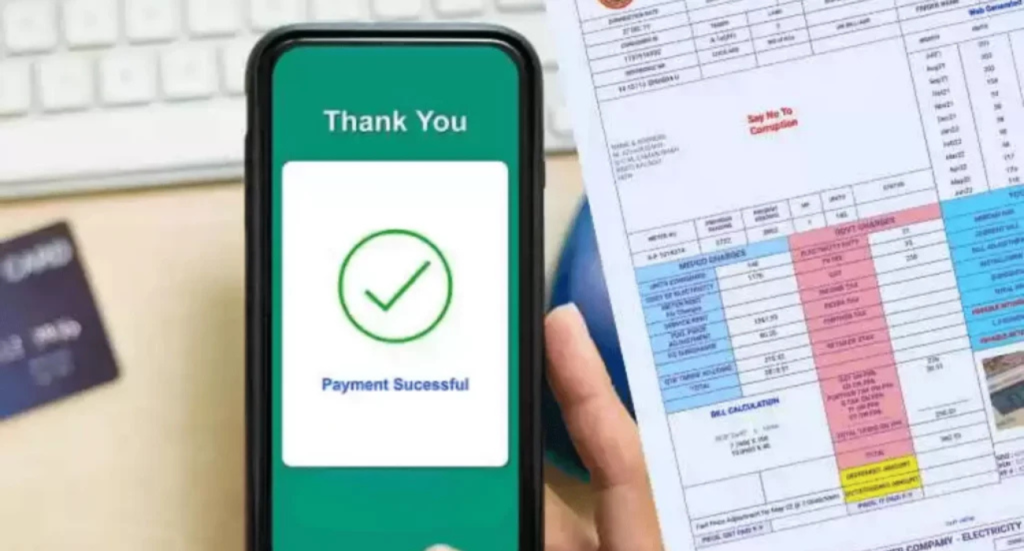
Are you looking for a simple, hassle-free method to pay your MEPCO electricity bill? Now, there is no need to stand in long queues or worry about missing your payment deadlines. With MEPCO’s online payment system, you can handle your payments quickly, safely, and from the comfort of your home.
In this guide, we’ll introduce various MEPCO bill online payment options to ease bill payments. So you can choose what’s best for you. We’ll also give you tips on due dates to avoid any late fees.
Why Use MEPCO’s Online Payment System?
We know life gets busy, and paying bills can feel like a chore. But with MEPCO’s online payment options, you can enjoy several benefits:
- Convenience: No more running to the bank or payment centers. Make payments anytime, anywhere.
- Fast Processing: Payments are processed immediately.
- Security: You are confident that your payment details are secure.
- Payment Reminders: Avoid late fees by checking your due dates online anytime.
Step-by-Step Guide to Pay Your MEPCO Bill Online
Step 1: Choose Your Payment Method
Before starting, you need to decide which method suits you best. Here are the most popular options:
- MEPCO Official Website: Pay directly through the MEPCO official website.
- Mobile Banking Apps: Banks like HBL, UBL, MCB, Meezan Bank, and Alfalah allow to pay bills through their mobile apps.
- Mobile Wallets: Use Easypaisa, JazzCash, or UPaisa to pay quickly.
- ATM Machines: If you’re near an ATM, you can also use your debit card to make payments directly at the machine.
Step 2: Access the Bill Payment Section
- If you’re using the MEPCO website, go to the “Bill Payment” section.
- If you’re using a mobile banking app or mobile wallet, log into the app and find the “Utility Bill Payment” section.
Step 3: Enter Your 14-Digit Reference Number
Find the 14-digit reference number on your electricity bill. This number is unique to your account. Enter this number in the required field on the website or app.
Step 4: Confirm Your Bill Details
Once you’ve entered your reference number, your bill details will appear, including:
- Billing amount
- Due date
- Billing month
Double-check these details to make sure everything is correct.
Step 5: Select Payment Method and Confirm
You will now be prompted to select your payment method:
- For mobile banking apps, you can choose to pay directly from your bank account.
- For mobile wallets like Easypaisa or JazzCash, you can pay using your balance or linked bank account.
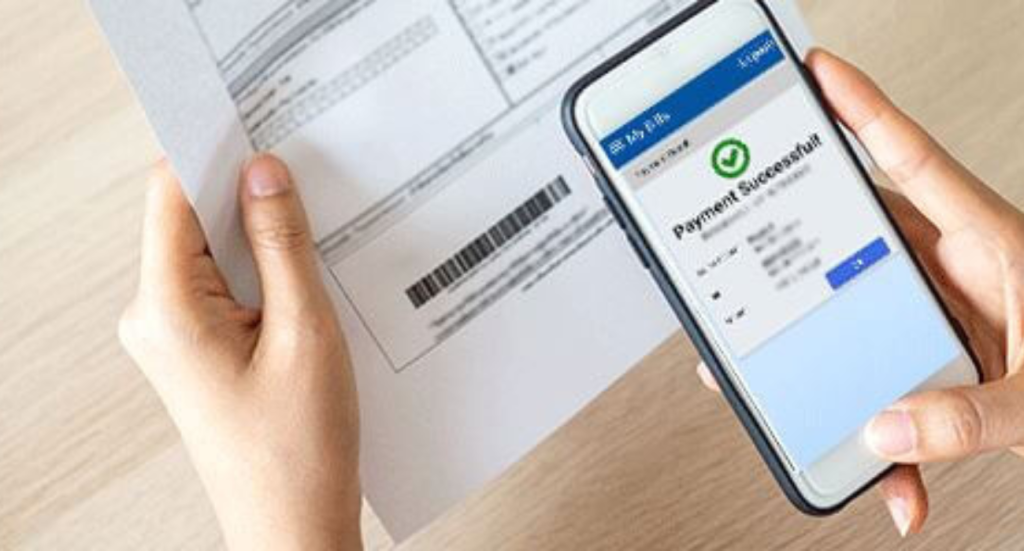
After confirming your payment method, click “Pay Now”. You’ll receive a payment confirmation via SMS or email.

Understanding MEPCO Payment Due Dates
It’s important to know your bill’s due date to avoid late fees. MEPCO bills normally have a 15-day payment window to pay the bill.
- Grace Period: MEPCO sometimes also gives a small grace period beyond the due date. But late fees are applied if the bill isn’t paid by the final due date.
- Late Fee Penalties: A late fee is added to your next bill if the payment is not made on time. So be sure to set reminders!
You can check your due date online through the MEPCO website or the banking app anytime. Many apps also provide automatic reminders before your due date approaches.
Troubleshooting Common Payment Issues
Issue 1: Payment Not Showing
Sometimes it may take up to 24 to 48 hours for your payment to reflect in the system. If you’ve made your payment and it’s not showing, wait for this period. If it still doesn’t show, contact MEPCO customer service.
Issue 2: Incorrect Reference Number
If the system doesn’t recognize your reference number, re-check the digits you entered. sometimes errors in the reference number can stop your bill from being retrieved.
Issue 3: Failed Transaction
If your payment fails, check your internet connection or bank account balance. Try again after a few minutes or switch to a different payment method.
Payment Options Comparison: What Works Best?
| Payment Method | Ease of Use | Processing Time | Convenience |
|---|---|---|---|
| MEPCO Website | Easy | Instant | High |
| Mobile Banking | Very Easy | Instant | Very High |
| Easypaisa | Easy | Instant | Very High |
| JazzCash | Easy | Instant | Very High |
| ATM Payment | Moderate | Instant | Medium |
Most users find mobile banking apps or Easypaisa the fastest and most reliable way to pay their bills.
FAQs
Q1: Can I pay my MEPCO bill after the due date?
Answer: Yes, but you will have to pay a late fee if you pay after the due date. To avoid penalties, make sure to pay within the 15-day payment window.
Q2: How do I know my payment was successful?
Answer: After making your payment, you’ll receive a confirmation via SMS or email. Keep this confirmation for your records.
Q3: Is it safe to pay my MEPCO bill online?
Answer: Yes, the online payment system is very safe. Always use the official MEPCO website or your bank’s app to make payment.
Q4: Can I pay multiple MEPCO bills at once?
Answer: Yes, you can pay bills for multiple meters. Enter the respective reference numbers one by one and make payments individually.
Q5: What should I do if my payment isn’t reflected after 48 hours?
Answer: Contact MEPCO customer service at their official helpline. Or visit your local service center with your payment confirmation details.
Final Thoughts
Paying your MEPCO bill online is quick, easy, and stress-free. One can choose to pay through the official MEPCO website, banking app, or mobile wallets, the options are designed to make your life easier. Be sure to keep an eye on your due dates to avoid late fees. Also remember to save your payment confirmations for peace of mind.


