
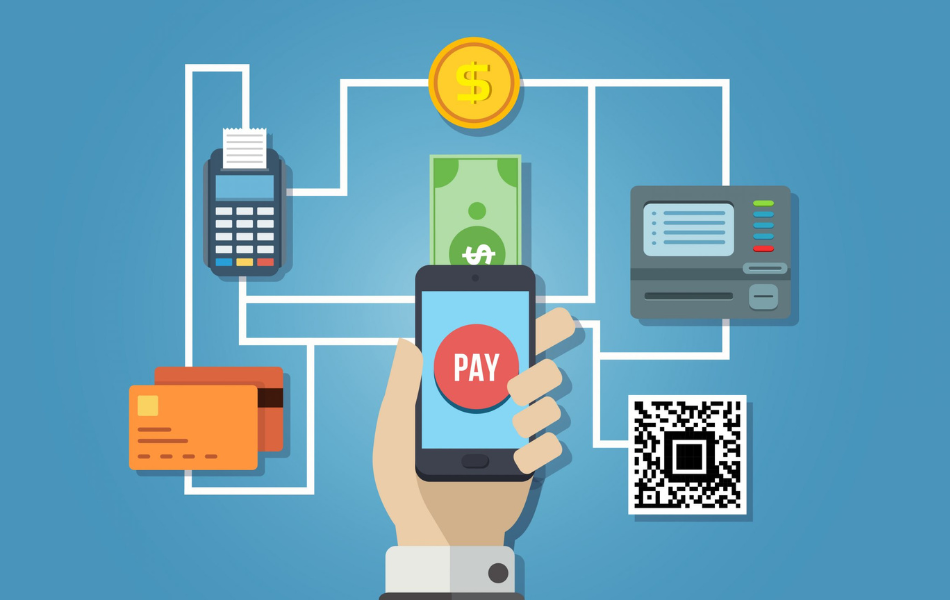
Paying your MEPCO bill has never been easier! With digital payment options for MEPCO bill , you can skip long lines, save waiting time, and pay bill from anywhere in the world. Life is busy, and our goal is to make our customer’s experience easy and stress-free. Let’s explore the different options to pay MEPCO bill online.
Why Switch to Digital Payment for Your MEPCO Bill?
Digital payment methods offer convenience, speed, and security. Here’s why they’re the way to go:
- Save Time: No more visiting payment centers or waiting in line.
- Access Anywhere: Make payments anytime, even from home.
- Secure Transactions: Online payments are encrypted, keeping your information safe.
Choosing digital payments lets you focus on what matters most in your life without the stress of bill deadlines.
MEPCO Bill Payment Options Online
Here are a few of the top ways you can pay your MEPCO bill online. Every option is simple, and easy to use.
1. Paying Through Bank Apps
Almost all main banks in Pakistan now offer digital payment services for utility bills, including MEPCO bills. Some popular bank apps include:
- HBL Mobile
- UBL Digital App
- Meezan Bank Mobile App
To use these apps, download them from the Apple App Store or Google Play Store. Register and log in to the app. Next, select “Utility Bills” and enter your MEPCO consumer number. Confirm your bill details. Then you can complete the payment in just a few clicks. But remember, double-check the consumer number before confirming to avoid any issues.
2. JazzCash and Easypaisa
If you don’t have a bank account, JazzCash and Easypaisa are popular mobile wallets. These allow you to pay your MEPCO bill instantly. Here’s how to use them:
- JazzCash: Download the JazzCash app and register your account. Choose “Bill Payment,” then select MEPCO and enter your consumer number.
- Easypaisa: Similarly, with Easypaisa, open the app, go to “Pay Bills,” and select MEPCO.
These options are ideal for anyone without a bank account. The process of digital payments is accessible for everyone.
Tip: Always check for typos (mistakes) when entering your consumer number to avoid payment failures.
3. Online Banking Websites
Several main banks in Pakistan provide online banking websites for utility payments. With this, you can pay through your bank’s website:
- Log in to your online banking account.
- Navigate to the “Bill Payment” section.
- Select MEPCO and enter your consumer details.
Some banks that offer this service include Standard Chartered, MCB, and Allied Bank etc. This option is ideal if you prefer using a laptop or desktop. Just make sure you’re connected to a secure network to protect your information.
How to Pay Your MEPCO Bill on the Go
If it’s the last day to pay, and you’re not at home. Luckily, mobile payment options let you pay instantly without stress.
QR Code Payment (If Available)
Some MEPCO bills come with a QR code that you can scan for an instant payment. Open your banking app, scan the code, and follow the prompts. This option is super quick and convenient. Be sure the code is scanned correctly to avoid any errors.
Benefits of Digital Payment Options for MEPCO Bill
By choosing digital options, you’re also reducing paper waste and helping the environment. Here’s a quick summary of the benefits:
- Convenience: Pay from anywhere, at any time.
- Instant Confirmation: Get a confirmation message right after you pay.
- Eco-Friendly: Reduces the need for paper bills and receipts.
Digital payments not only save time but also help to reduce carbon footprint. It’s a small change that makes a big difference.
Quick Tips for Safe MEPCO Bill Payments Online
To keep your transactions secure, follow these simple safety tips:
- Use Trusted Apps: Download apps only from official app stores like the Google Play Store or Apple App Store.
- Avoid Public Wi-Fi: Use a secure, private connection when making payments.
- Keep Records: Save or take screenshots of your payment receipts.
For more tips on secure online transactions, check out this helpful guide from Stay Safe Online.
FAQs
1. How can I check my MEPCO bill online?
- You can check your MEPCO bill by clicking HERE. Just enter your consumer number in the “Bill Inquiry” section. Double-check your number to make sure it’s correct.
2. Are digital payments safe?
- Yes, digital payments are secure. Be sure to use trusted apps and avoid sharing personal information.
3. What should I do if I don’t receive a payment confirmation?
- Check your payment history in the app or online banking portal. If the payment doesn’t show up, contact the app’s customer support.
4. Can I pay my MEPCO bill using someone else’s mobile account?
- Yes, you can use any mobile wallet or bank app with the correct consumer number and bill details.
5. Is there any extra fee for digital payments?
- Some apps may charge a small fee, but most bank apps offer this service for free.
Making your MEPCO bill payment is simpler and faster with these digital options. We hope this guide will help to make the bill payment conveniently.