

A Simple Guide To Check Bahria Town Electricity Bill
If you’re one of the luckiest people in Pakistan enjoying the serene community of the beautiful Bahria Town projects in Lahore, Karachi, or Islamabad. Then it’s likely that you must be enjoying the modern amenities and peaceful lifestyle. One key responsibility of living in these communities is to stay updated with your utility payments, including electricity bills.
To make this process easier, Bahria Town provides an online bill-checking system. This guide will provide detailed information on the procedure to check your Bahria Town electricity bill based on your specific location.
Why Should You Check Bahria Town Electricity Bill Online?
Checking your electricity bill online offers several advantages:
- Convenience: View your bill from anywhere at any time.
- Time-Saving: No need to visit an office or wait for a paper bill.
- Instant Updates: Quickly check your current dues and avoid late payments.
Step-by-Step Guide: Bahria Town Residents in Lahore, Karachi, And Islamabad
Step 1: Visit the Relevant Bahria Town Website
To start, head over to the official Bahria Town website for your specific city. Bahria Town has separate portals for Lahore, Karachi, and Islamabad, thus making it convenient and easy to find the information you need.
- For Lahore, visit the Bahria Town Lahore portal here.
- For Karachi, visit the Bahria Town Karachi portal here.
- For Islamabad, visit the Bahria Town Islamabad portal here.
Each of these websites offers a straightforward option to check your electricity bill.
On the homepage of your selected city portal, look for the “Bill Inquiry” or “Online Services” section. This is where you can check your utility bills, including electricity.
Click on the “Electricity Bill Inquiry” option to move forward.
Step 3: Enter Your Reference Number
In the Electricity Bill Inquiry section, input your Reference Number. This number is printed on your previous bills. Also it is provided to you when your electricity connection was first set up.
Ensure you enter the reference number correctly to avoid errors in retrieving your bill.
Step 4: View and Download Your Bill
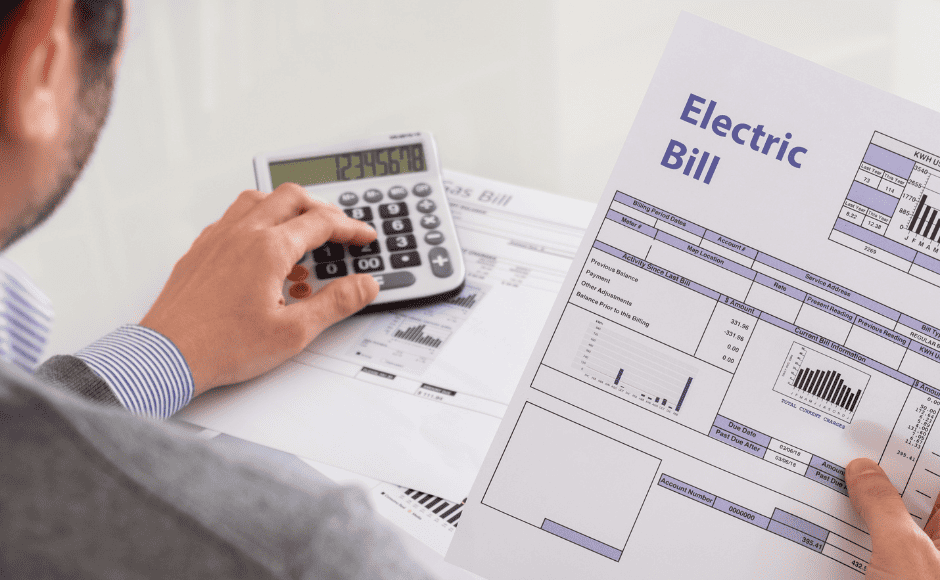
Once your reference number is submitted, your electricity bill for the current month will be displayed. This will include details such as:
- Total amount due
- Billing period
- Past dues (if any)
- Due date
You’ll also have the option to download the bill as a PDF or print it directly.
Step 5: Pay Your Bill Online
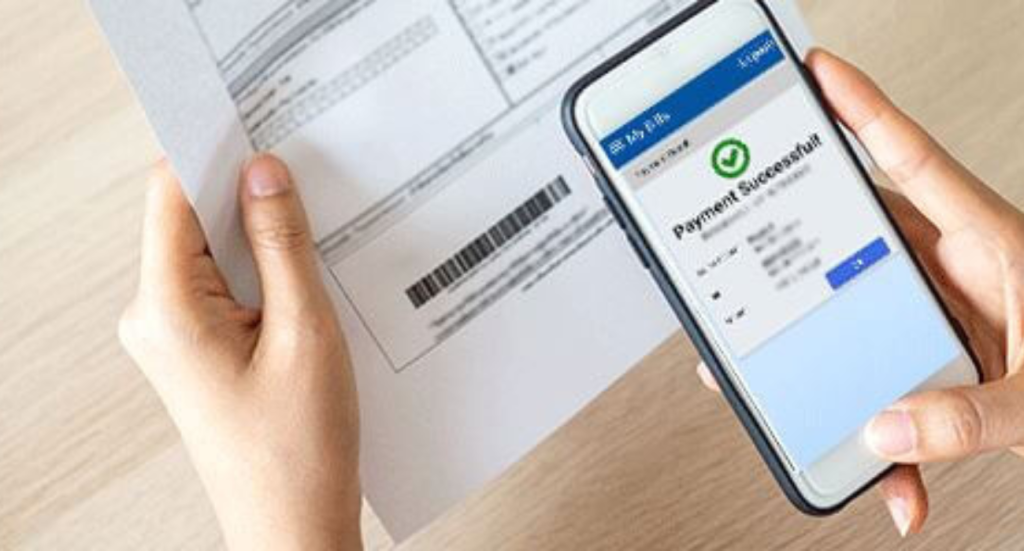
You can choose to pay it online through various payment methods. Bahria Town usually supports online banking, mobile wallets, and payments through authorized agents.
Location-Specific Tips for Bahria Town Residents
Bahria Town Lahore
For residents of Bahria Town Lahore, it’s important to check your bill early in the month. As the electricity billing cycle typically closes by the 10th of each month. Ensure payment before the 25th of the month to avoid any late fees.
Bahria Town Karachi
In Bahria Town Karachi, bills are usually generated around the 15th of each month. Make sure to check your bill as soon as it’s available. The due date is typically the 30th or 31st.
Bahria Town Islamabad
For Bahria Town Islamabad residents, the bill is often available by the 1st week of the month. It’s best to make payments before the 20th of the month.
What to Do If You Encounter Issues?
Problem 1: Incorrect Reference Number
If you’ve entered the wrong reference number, your bill won’t show up. It is better to reconfirm the reference number on a previous bill before submitting. If the issue persists, contact your city-specific Bahria Town customer support.
Problem 2: Website Not Responding
If the Bahria Town website isn’t responding, try accessing it during non-peak hours or after some time. Heavy traffic on the site can cause slowdowns.
Problem 3: Bill Not Showing Up
Sometimes, delays in the billing cycle may prevent your bill from showing. Wait a few hours and re-check. If it still doesn’t appear, approach to customer service for further help.

FAQs
Q1: How do I get my Bahria Town electricity reference number?
Answer: Your reference number is printed on top of the previous electricity bill. If you’ve lost it, you can contact Bahria Town customer support for assistance.
Q2: Can I pay my Bahria Town electricity bill online?
Answer: Yes, after checking your bill, you can pay it online. Using methods like online banking or mobile wallets such as Easypaisa and JazzCash.
Q3: What happens if I miss my due date?
Answer: If you miss the due date, you will be charged a late payment fee. It’s suggested to pay your bill ASP to avoid penalties or possible disconnection.
Q4: Is it safe to check my bill online?
Answer: Yes, Bahria Town’s portals are secure and reliable. Checking your bill online is a safe and convenient method.
Q5: How can I get a copy of my bill?
Answer: After checking your bill online, you can download it as a PDF or print it for your records.
Conclusion
Whether you’re in Lahore, Karachi, or Islamabad, checking your Bahria Town electricity bill online is quick, simple, and efficient. By following the above mentioned steps, you can easily stay on top of your payments. And also you will avoid any late fees or disconnections.
For more information, visit the respective Bahria Town websites for your city or contact Bahria Town customer support for help.